Living well · 5 min read
Smart living, thoughtfully designed
From arriving home to a quiet evening, explore four everyday scenes and the infrastructure, controls and handover that make a connected home easier to live with.
Design reference: MDP Construction
Four moments. A more thoughtful home.
Select a moment to explore the experience and the design decisions behind it.
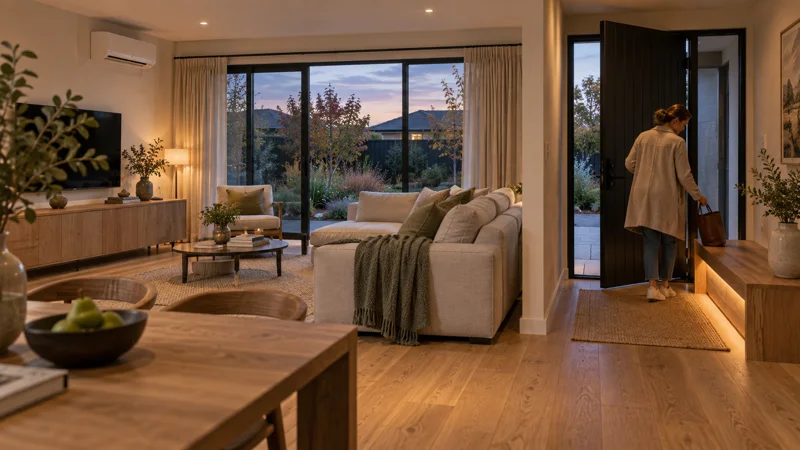
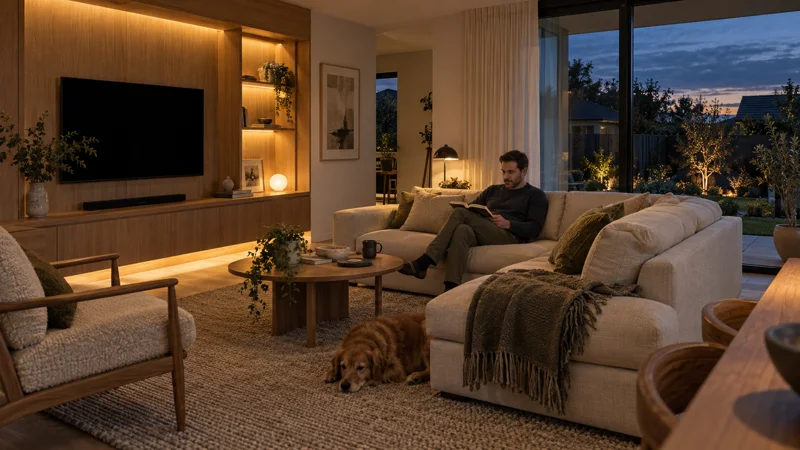
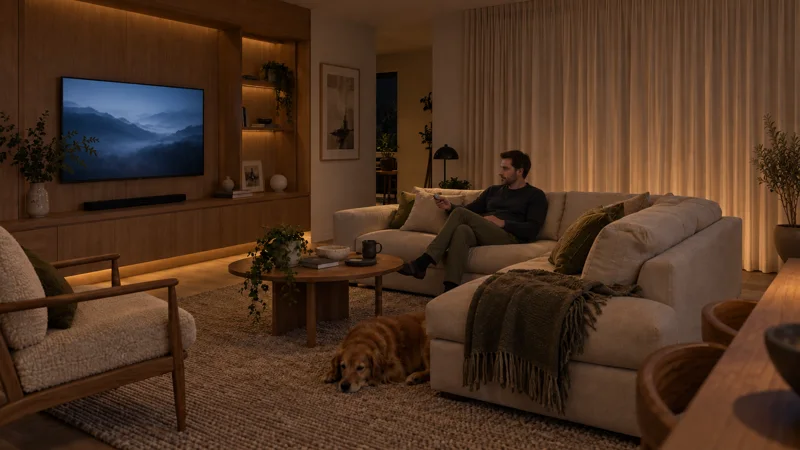
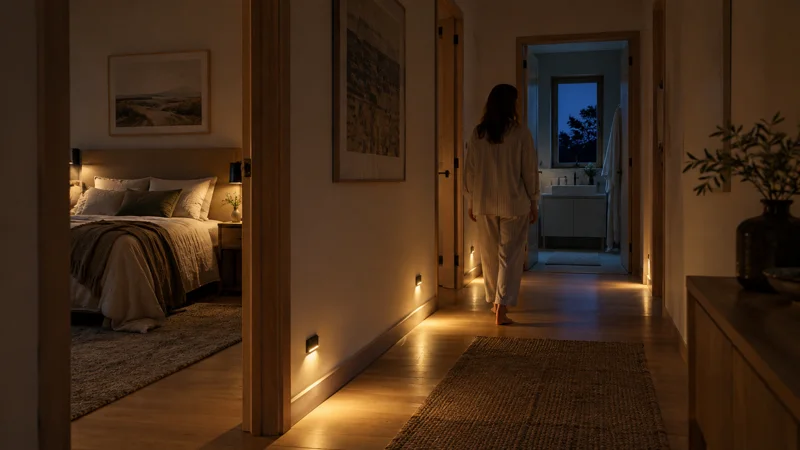
THE EVERYDAY EXPERIENCE
Stay & read
A quiet sofa and gentle accent lighting that does not depend on constant movement. Keep task lighting separate so that reading comfort can be adjusted without changing the whole room.
THE DESIGN BEHIND IT
The proposed FP2 presence zone controls a T1 accent strip through compatible Aqara equipment. Furniture placement, power, network and seated-presence detection need checking on site. This does not automate every pictured lamp.
These scenes draw on the smart-home design work of MDP Construction, within the same company. They illustrate possible configurations; equipment, integration and delivery are agreed for each project.
The perspective in brief
A useful smart home connects a daily routine to a clear control method, a tested fallback and an owner who knows how to use it.
Start with the way you live
Think through an ordinary day: arriving with shopping, cooking while someone works nearby, and settling down for sleep. A useful smart-home feature should make one of these moments easier. Ask whether lighting and heating controls are intuitive for everyone, including guests who do not have an app.
Make privacy part of the brief
Connected devices can collect voice, video and household data. New Zealand’s NCSC advises checking security reviews, changing default passwords and keeping software updated. Before choosing a camera or smart speaker, understand what it records, where information goes and how long the manufacturer supports the device.
Know what you are buying
An attractive control panel is not a specification. Request the device list, installation details and any subscription costs. Ask what still works when the internet is unavailable, and how accounts transfer to a new owner. Confirm each feature in writing rather than assuming it is included because it appears in an illustration.
Design the infrastructure early
The MDP Construction design study starts with a point plan: network access, hub locations, sensor power and access for curtain charging. In a new build, discuss these before finishes make changes disruptive. In an existing home, document the constraints first. A room scene should connect each trigger to an action, a physical control and a stated offline behaviour.
Plan for the next person
For a home that may be rented or sold, keep the handover understandable. Request an equipment register, account-transfer steps, routine maintenance instructions and the support contact. Review access permissions when occupants change. The value of a proposed feature should be discussed through usability and operating needs; a concept demonstration does not establish higher rent or a resale premium.
Questions to take with you
- Can everyday functions be used without a phone?
- Who provides security updates and ongoing support?
- Which devices, subscriptions and setup costs are included?
- Is there a point plan, scene schedule and documented handover?
- Have manual operation, internet loss and power recovery been tested?
Sources & further reading
NCSC · Own Your Online ↗Aqara · Presence Sensor FP2 ↗Aqara · Curtain Driver E1 ↗PDL · Wiser Motion Smart Sensor ↗Sensibo · Compatibility & controls ↗General information, not personalised financial, legal or technical advice. Check the latest source guidance and the specifications for the individual property; features discussed here are not standard inclusions in every MDP home.
CONTINUE THE CONVERSATION
Planning a connected home?
Explore MDP Construction’s smart-home approach, or ask how your priorities could fit a property brief.
Explore MDP Construction smart homes Discuss your property brief